Image to Prompt
Turn reference images into reusable AI image prompts.
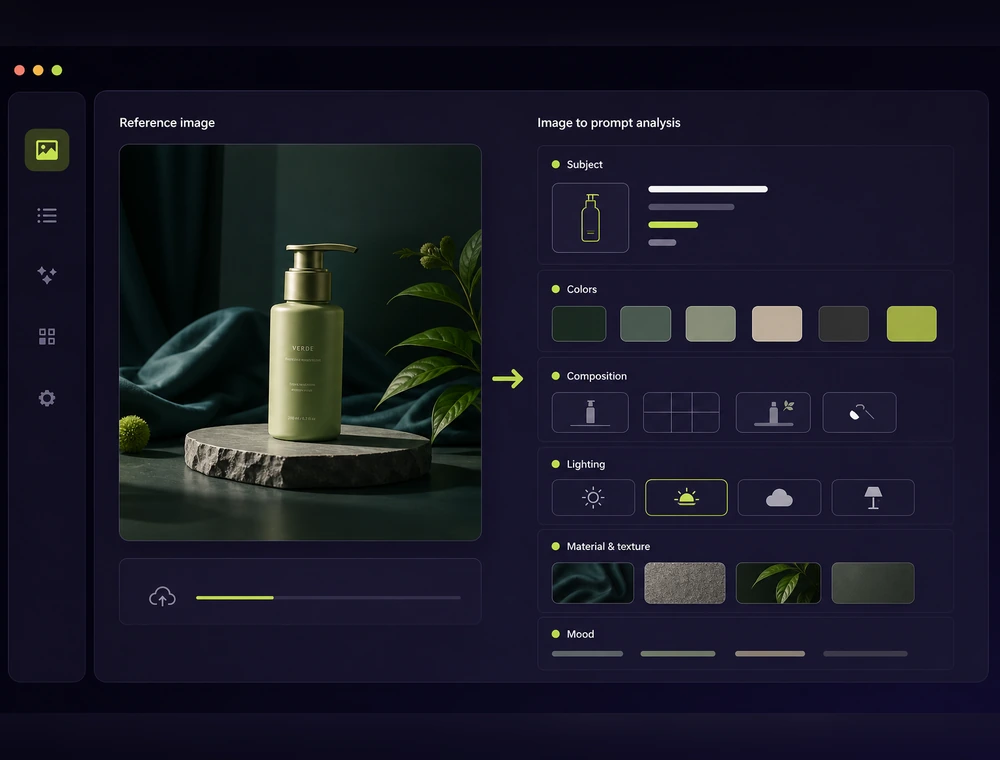
Promptwice breaks down the subject, composition, lighting, material, camera feel, and mood inside a reference image, then turns it into prompt-ready language for Midjourney, Stable Diffusion, Flux, or the built-in text-to-image flow.
Reference breakdownStructured prompt wordingGenerate the next version
GUIDE
How the Image to Prompt Tool Works
Whether you want to recreate a visual style, build better prompts, or improve your creative workflow, Promptwice helps you generate high-quality AI photo prompts faster and with greater consistency.
01 Upload a reference
Understand why an image works before recreating it
Upload a product photo, poster, character design, social media visual, or photography reference. Our image prompt generator breaks down the key visual elements and converts them into editable AI prompt language.
- Great for moodboards and competitor analysis
- Reduces guesswork and vague prompting
- Turns complex visuals into reusable AI images prompts
Start Image to Prompt02 Generate a structured prompt
Convert visual details into reusable language
The output keeps details organized so you can copy, refine, translate, or reuse the prompt across different AI image models.
- Clearer subject, scene, style, and lens layers
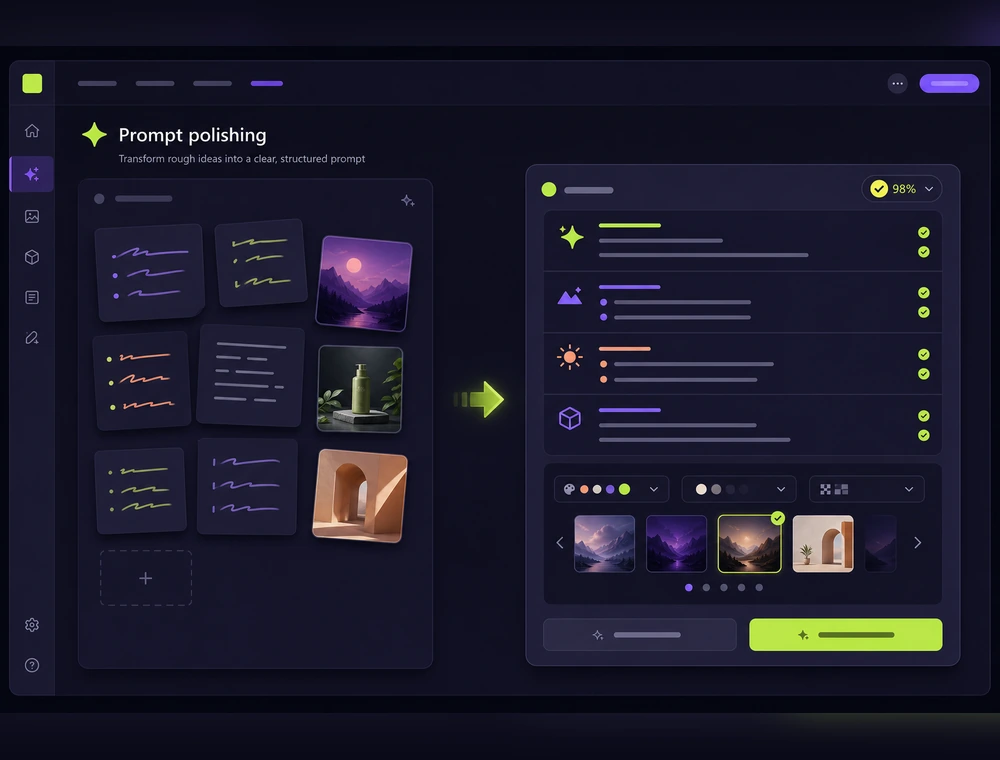
- Easy to continue with prompt polishing
- Helpful for team prompt libraries
Start Image to Prompt03 Continue in Studio
Move from reference to new variations in one flow
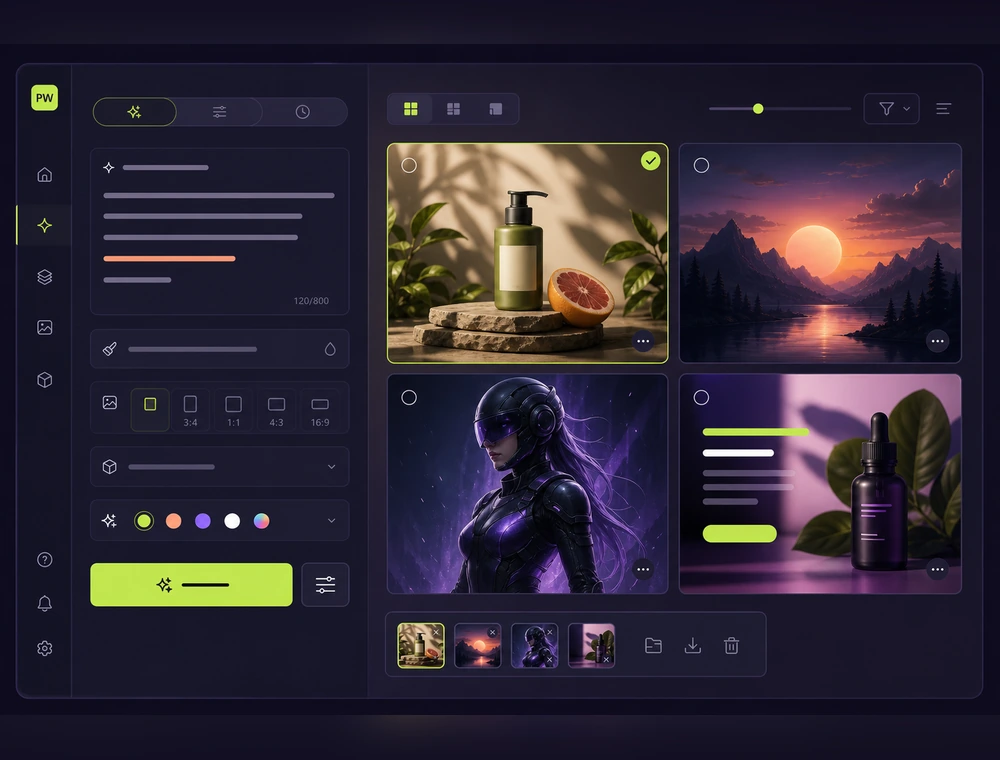
Once the prompt is ready, bring it back into Studio to generate images or add new requirements for a more specific direction.
- Fits ecommerce images, posters, and characters
- Compare multiple visual versions
- Reuse prompts and generated results
Start Image to PromptPrompt Examples
Common image-to-prompt use cases
Ecommerce product photo
Break down competitor images, old hero shots, or reference photos into product photography prompts.
Luxury perfume bottle on a dark wet stone surface, crisp studio lighting, lime edge reflection, premium ecommerce product photography.
Start Image to PromptCharacter concept art
Extract outfit, material, pose, lighting, and world-building cues from a character reference.
Stylized character portrait, layered tactical jacket, soft rim light, cinematic mood, detailed fabric texture, concept art style.
Start Image to PromptBrand poster direction
Capture layout, color, lens feel, and visual impact from poster references.
Minimalist brand poster, bold central object, high contrast lighting, clean typography space, modern editorial composition.
Start Image to PromptWhat is image to prompt?
Image to prompt is a process that converts a reference image into a structured AI image prompt by analyzing the subject, composition, lighting, material, style, and mood inside the image.
Why Use Promptwice as Your AI Photo Prompt Generator?
Advanced AI image to prompt technology. Optimized for MidJourney, Gemini, GPT, Stable Diffusion, Flux & more. Faster workflow with less trial and error.Create reusable prompt libraries. Perfect for creators, marketers, ecommerce brands, and designers.
Can I use the generated prompt with other AI image tools?
Yes. The generated prompt works with popular AI image generators including MidJourney, Stable Diffusion, Flux, and other prompt to image AI platforms.
How is Image to Prompt Tool different from Prompt Polisher?
Image to Prompt Tool extracts visual details and converts them into an AI image generator prompt. Prompt Polisher improves and expands an existing written prompt to make it clearer, richer, and more effective for AI image generation.