Prompt Enhancer
Turn rough ideas into stronger, more stable AI prompts.
Whether you start with one short sentence, a half-finished English note, or keywords extracted from a reference image, Promptwice helps you add the subject, scene, composition, material, and lighting needed for better image generation.
Fill in visual detailStructure the wordingIterate more easily
GUIDE
How the Prompt Enhancer Works
Start with a rough idea, short draft, or simple visual direction. Promptwice expands it into a clearer AI image prompt with stronger composition, lighting, subject detail, style language, and generation-ready structure.
01 Enter a rough idea
Start with a loose sentence or keyword set
Type in Chinese or English, or paste a few incomplete notes. Promptwice first understands your goal, then shapes it into generation-ready language.
- Works with rough notes and scraps of ideas
- Reduces conflicting descriptions
- Easy to translate or rewrite later
Start Prompt Enhancement02 Polish the structure
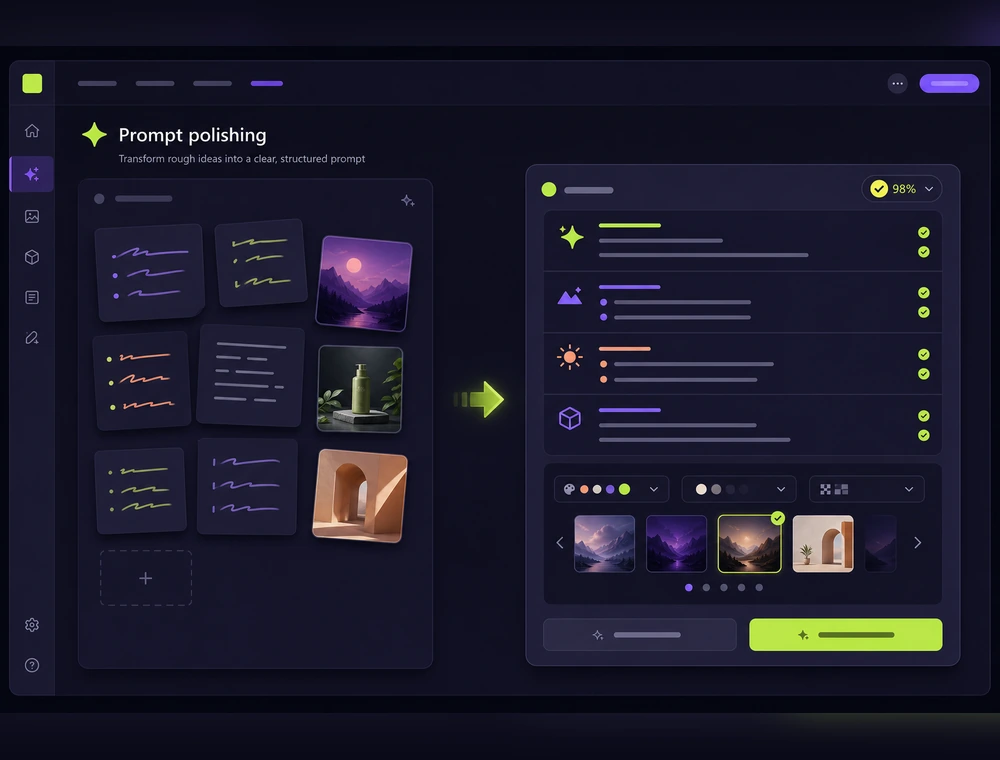
Expand the idea into a fuller prompt
The wording is organized around subject, environment, camera feel, lighting, material, mood, and style so the generation target becomes more specific.
- Helps the model hit a clearer scene
- Good for reusable prompt templates
- Useful for teams and repeated workflows
Start Prompt Enhancement03 Continue in Studio
Move directly into generation
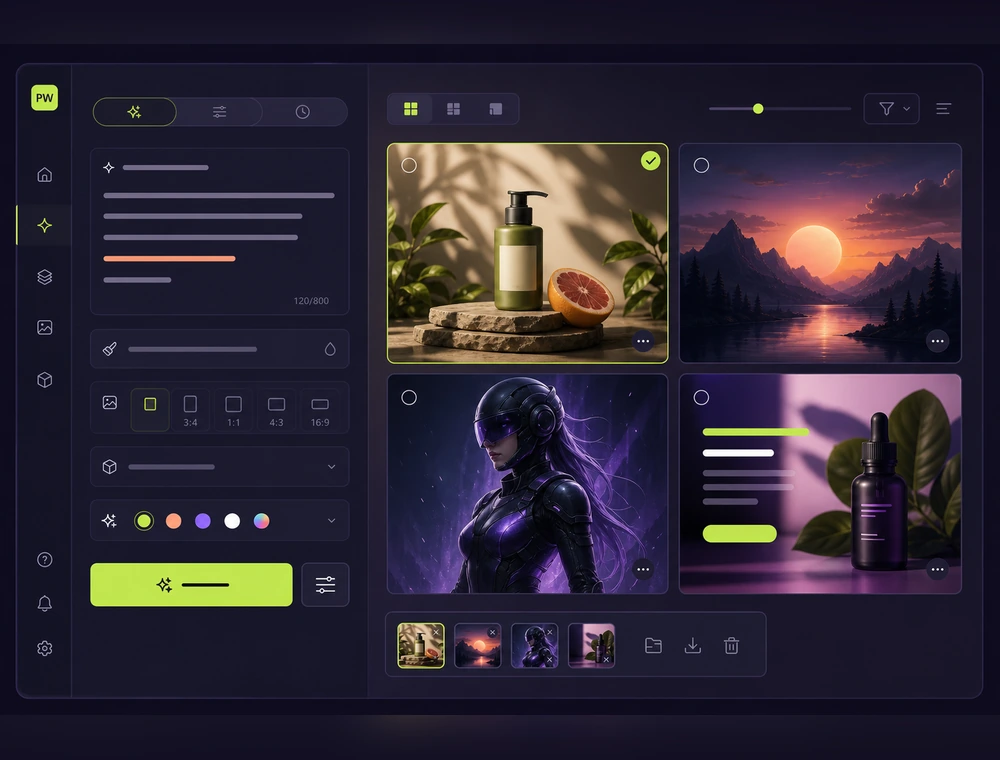
Copy the polished result into another tool or continue in Promptwice text-to-image to compare versions and refine the direction.
- Fits posters, products, and character art
- Completes the loop with image-to-prompt
- Supports iterative generation
Start Prompt EnhancementPrompt Examples
Common prompt enhancer scenarios
Ecommerce product description
Expand a short sentence into a fuller product shot prompt.
Premium skincare bottle on a soft stone pedestal, natural window light, pale beige palette, clean commercial photography, gentle shadow detail.
Start Prompt EnhancementBrand poster draft
Turn a single topic word into a usable poster prompt.
Minimalist brand poster for a summer launch campaign, centered product composition, bold negative space, crisp typography area, editorial lighting.
Start Prompt EnhancementCharacter note
Shape scattered character ideas into one visual direction.
Cinematic fantasy character, layered cloak, silver accessories, dusk lighting, detailed fabric texture, calm but heroic mood.
Start Prompt EnhancementWhat is prompt enhancer?
It helps you turn rough ideas into stronger and more stable AI image prompts.
What is it good for?
It works well for product images, posters, character concepts, social visuals, and any workflow that needs a clearer art direction.
Can I use the result in other tools?
Yes. You can copy the polished prompt into Midjourney, Stable Diffusion, Flux, and similar tools.
How is it different from image to prompt?
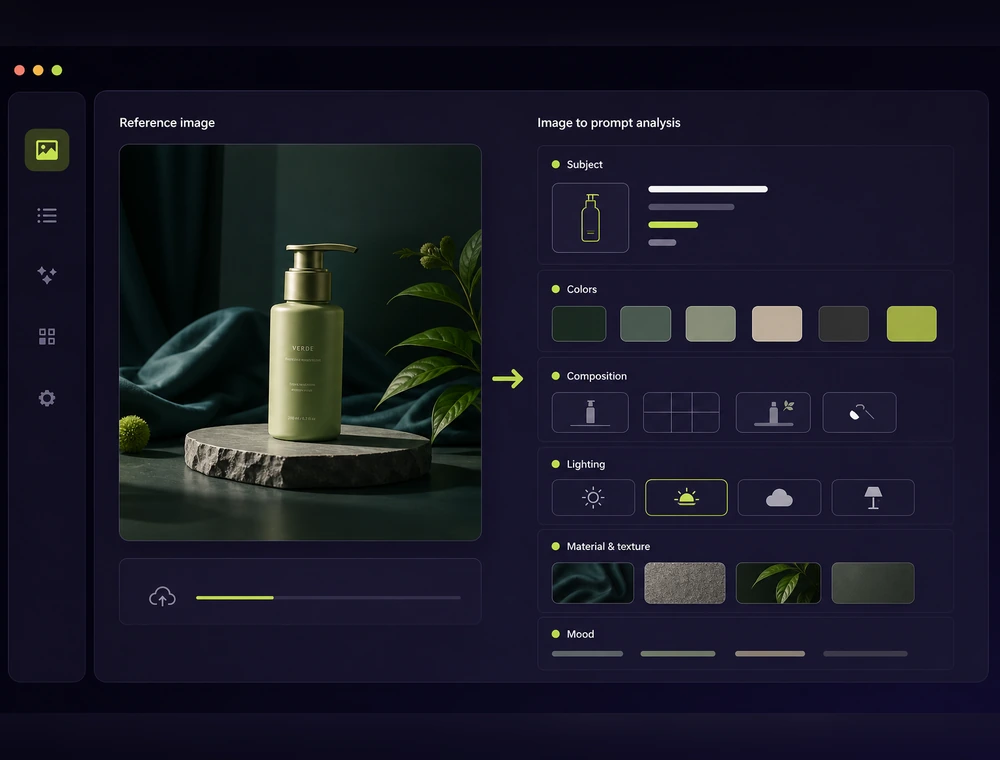
Image to prompt extracts visual language from a reference image. Prompt enhancement improves an existing idea into better generation language.