
Product photo cleanup
Upload a product image you own and clean corner marks, campaign stickers, or repeated labels for ecommerce asset preparation.
Remove WatermarkAI Watermark Remover
Upload an image you are allowed to edit and use Promptwice to clean visible watermarks, text overlays, corner marks, or repeated stamps while keeping the subject, lighting, and texture as natural as possible.
GUIDE
Upload an image you own or have permission to edit. Promptwice helps clean visible watermarks, text overlays, corner marks, and repeated stamps while preserving the original image structure and style.
One-step cleanup
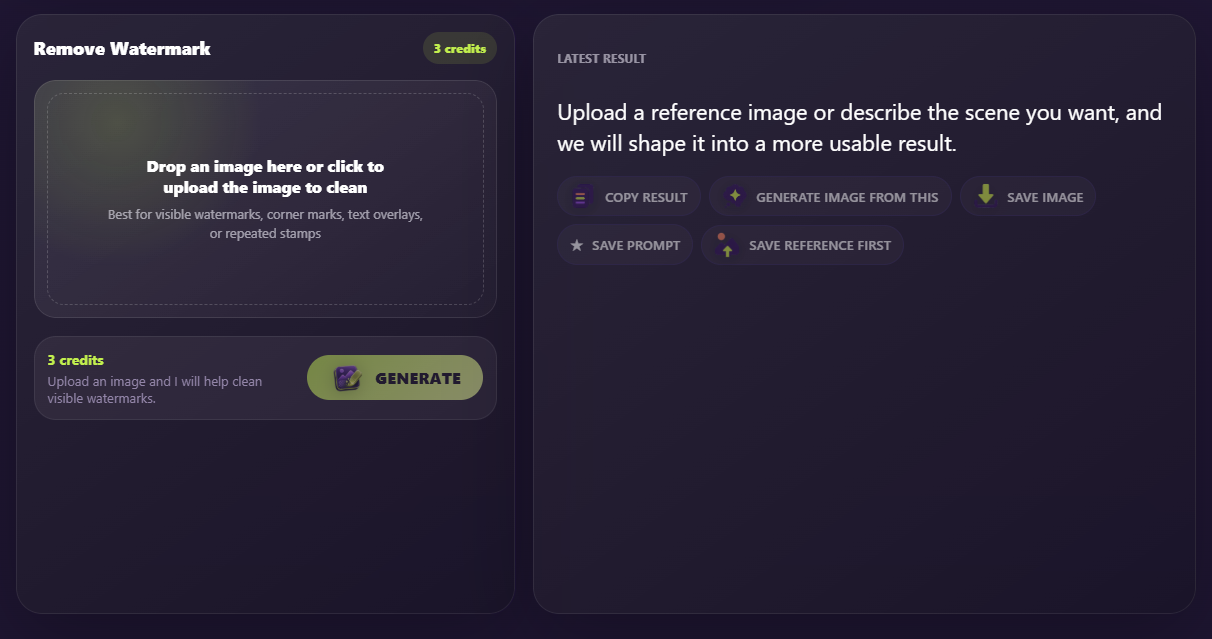
The watermark remover does not require a prompt. Open Remove Watermark mode, upload an image you own or have permission to edit, check the 3-credit action button, and click Generate. When the result is ready, save the cleaned image or continue with another Promptwice workflow.
Use Cases
Upload a product image you own and clean corner marks, campaign stickers, or repeated labels for ecommerce asset preparation.
Remove WatermarkRemove export marks, date labels, or text overlays from brand assets you are allowed to edit before reusing them in layouts.
Remove WatermarkClean draft labels, demo marks, or repeated stamps from older design previews so the asset is easier to continue refining.
Remove WatermarkFAQ
It is designed to clean visible watermarks, text overlays, corner marks, date labels, export marks, or repeated stamps from images you own or are allowed to edit.
No. Please only use this tool on images you own, have permission to edit, or are legally allowed to modify.
Watermark removal is billed as an image cleanup task and usually costs 3 credits per run. The button on the page shows the current cost before you generate.
Yes. You can save the result, then continue with image-to-prompt, prompt polishing, or text-to-image workflows.